Overview
From the gateway details page click "Edit gateway" to change gateway settings.
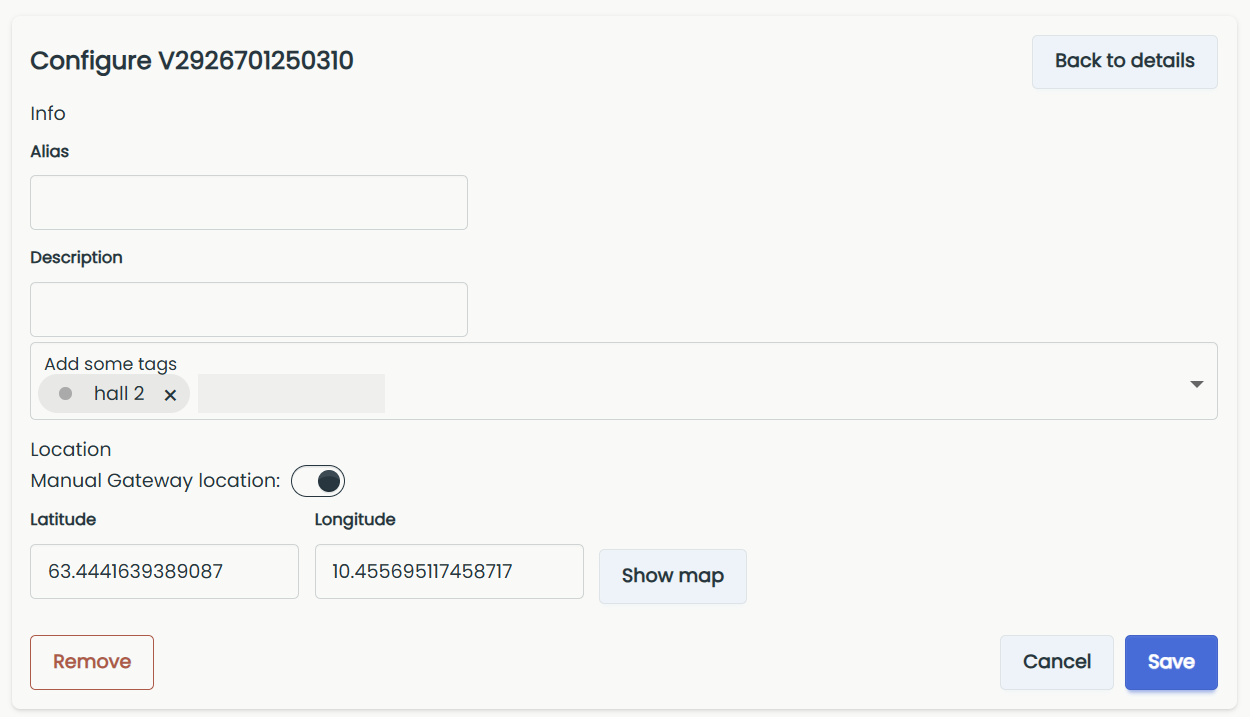
- Alias: Edit the gateway's name.
- Description: Edit the gateway's description.
- Tags: Assign tags to the gateway.
- Location: Turn on Manual Gateway location, then enter the Latitude and Longitude, or click Show map to place the gateway on the map.
- Remove: Click Remove to remove the gateway from the system, then confirm.
Remove
If you remove the gateway from the system it will stop transmitting sensor data, but it can then be added to another system.
- Cancel: Back to gateway details.
- Save: Save changes and return to gateway details.
Save
The Save button is only visible after you make some changes.
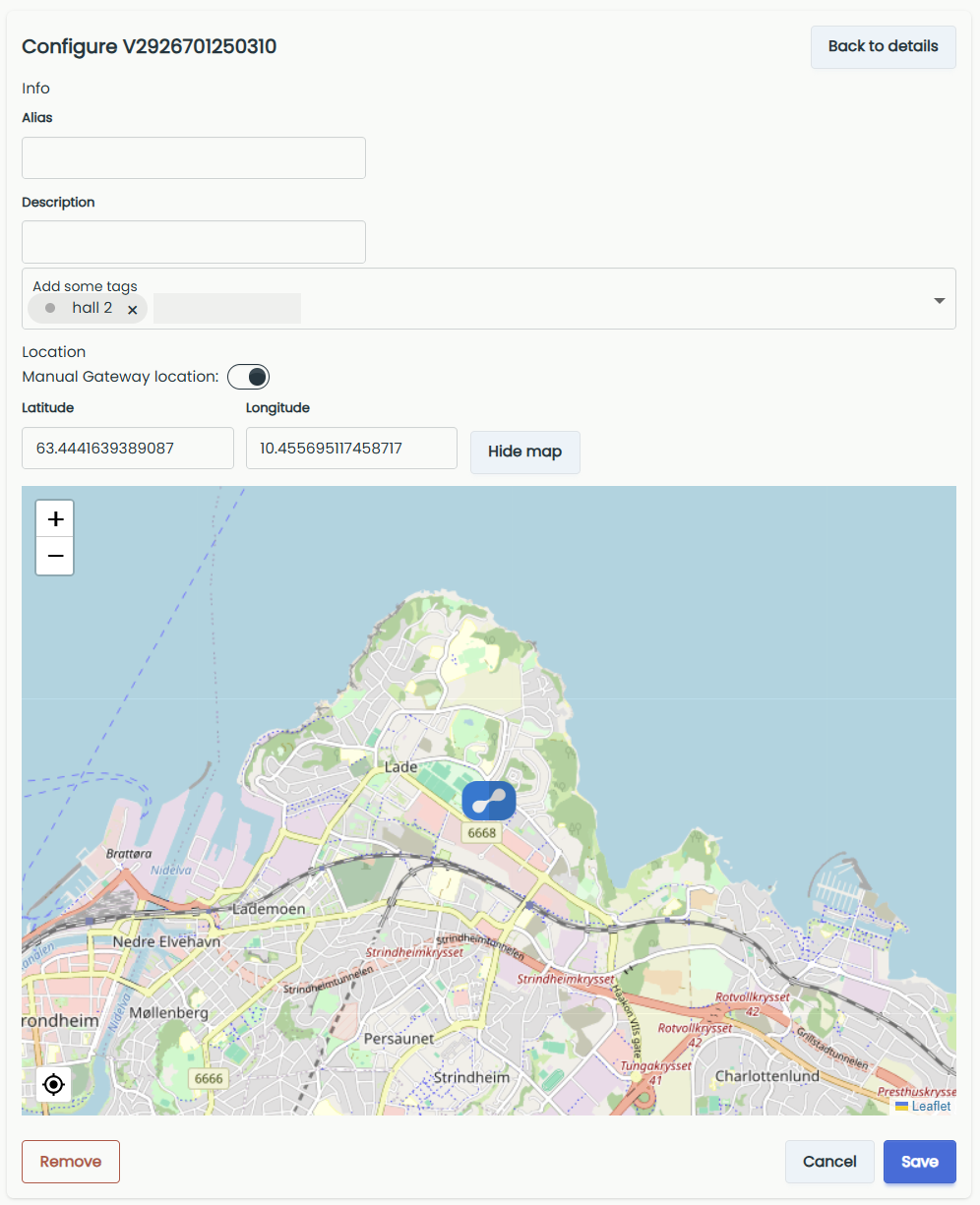
Location
Navigate the map to find the right location and click to place the gateway. Then confirm to add or move the gateway's location.