What groups are
Tags can be used to make permanent groups with sensors and gateways.
Groups let you collect related sensors and gateways into a single tile based on a shared tag, for example all devices on one machine or in one area. Unlike a filter, which is temporary, a group is permanent and stays on your dashboard for quick access. Because groups are built from tags, a device automatically joins a group as soon as it carries the matching tag.
From inside a system, click "+ Add" (1) and "Add Group" (2):
.png)
In the "Tag group menu", type a tag in the "Add group tags" field. Pick an existing tag or create a new one. The tag is added as soon as you select it.
If you no longer need a group, click "Delete tag group" in the "Tag group menu". Only the group is removed: the sensors and gateways keep their tags and remain in the system.
.png)
Any sensor or gateway with that tag then appears in this group automatically.
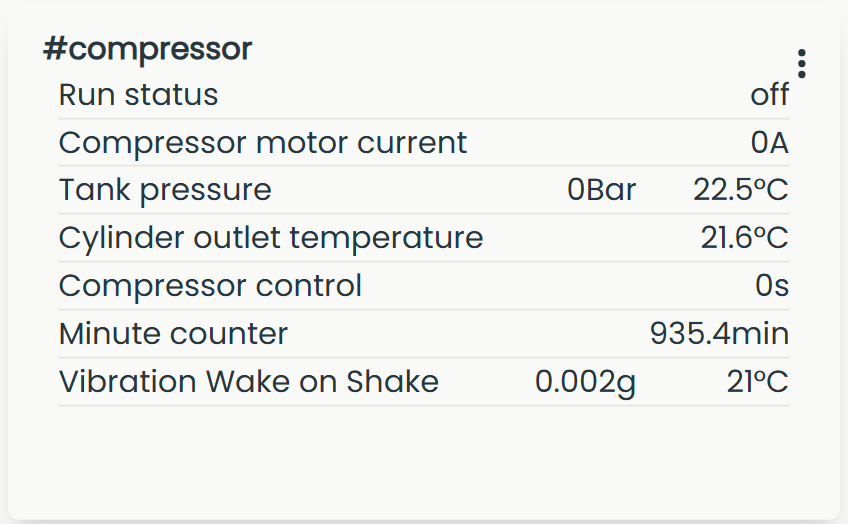
The group appears as its own tile on your dashboard, showing its sensors and their latest values. In the example below, the #compressor group collects every device tagged "compressor".
A sensor can be added to several groups by adding more than one group tag.