Systems overview
This is the default view where you see all your systems organized in tiles.
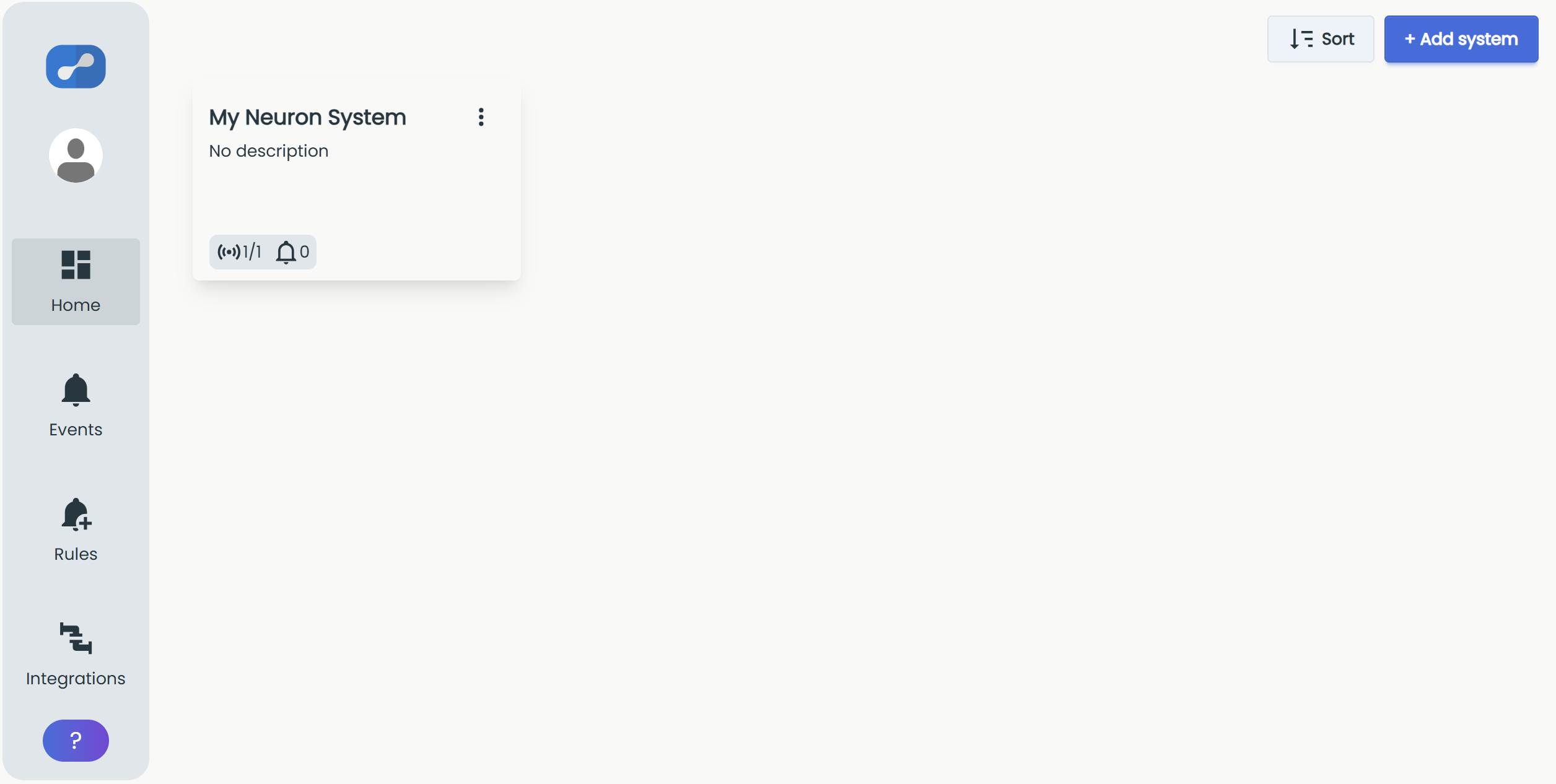
Use "+ Add system" in the top-right corner to create a new system, and "Sort" to change how your systems are ordered.
Each system tile displays its status.

The first numbers indicate how many sensors and gateways are online right now and how many there are in total. The bell signals how many active events there are, and the status turns red when there is an active event.
Click the three dots to manage your system.
Switch between systems
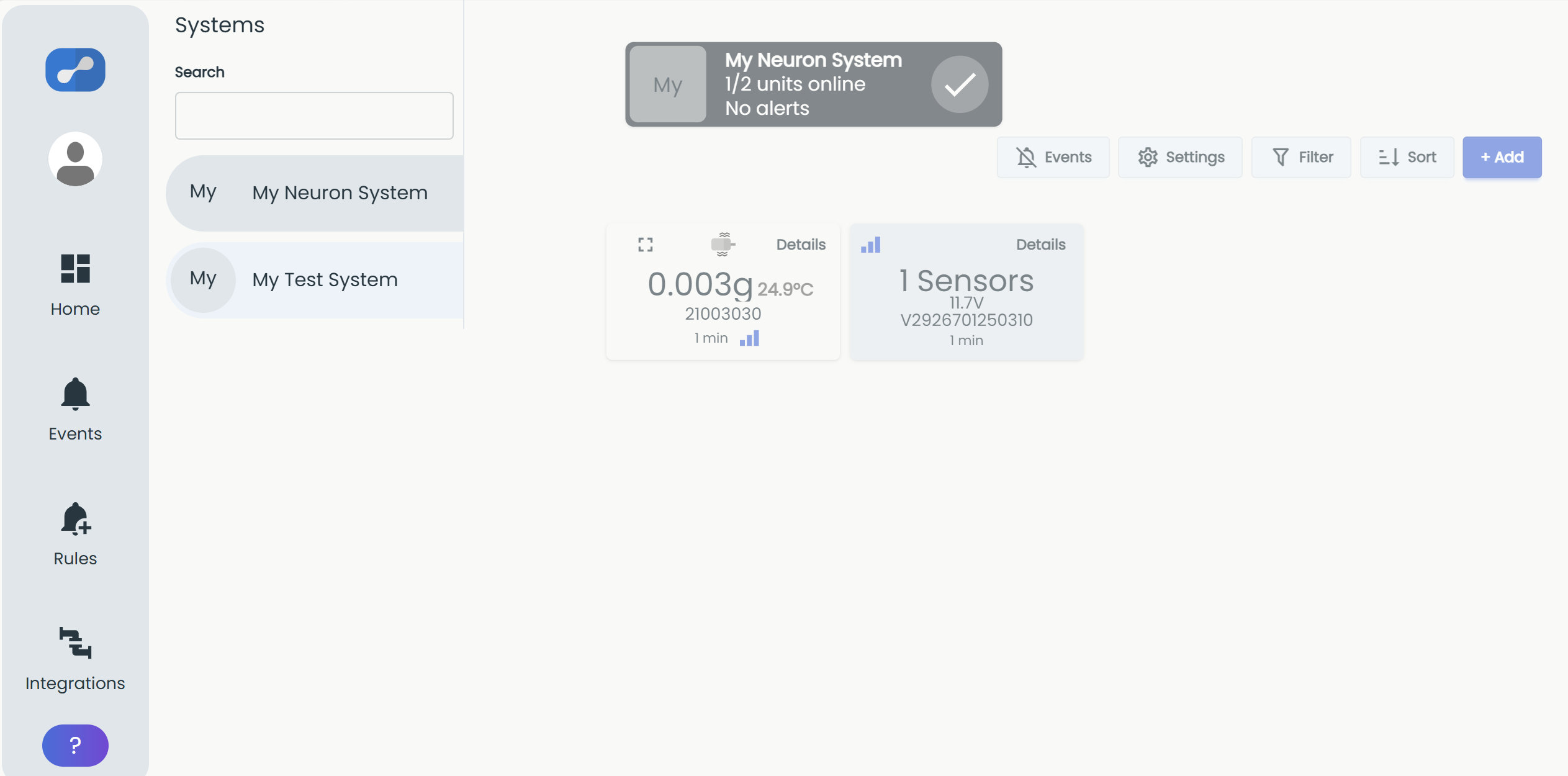
When you are inside a system, you can quickly switch to another one. Move your cursor to the left edge of the window to open the "Systems" panel, then type in the "Search" field to find a system or select one from the list.