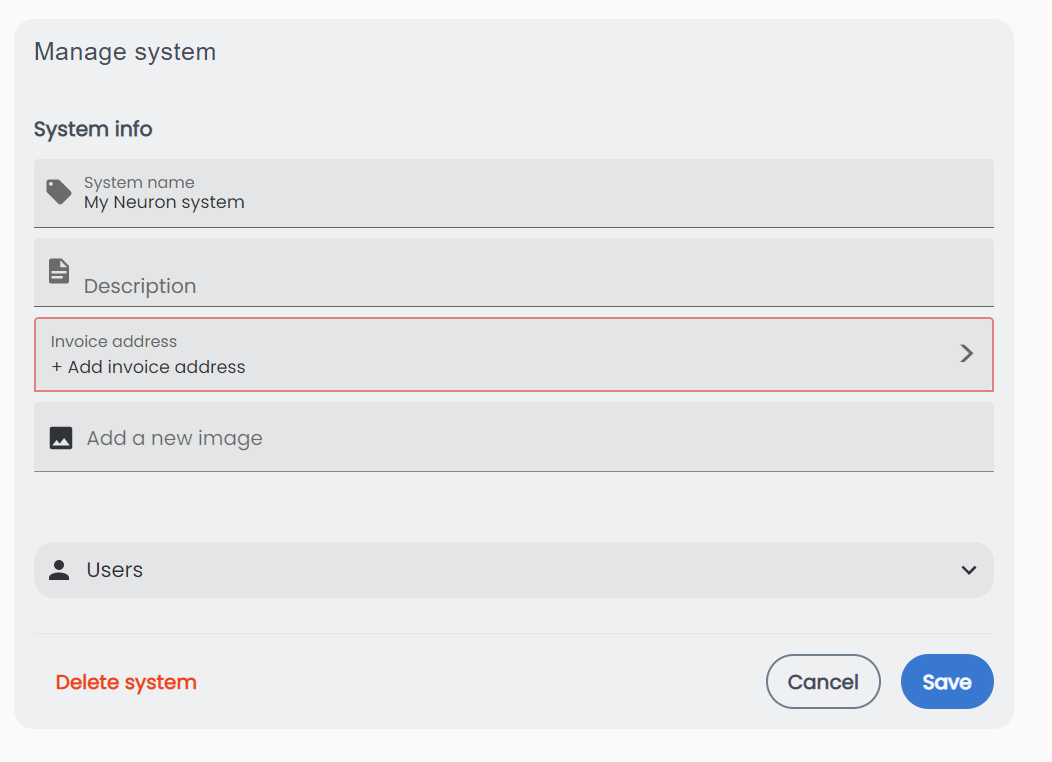
Manage system
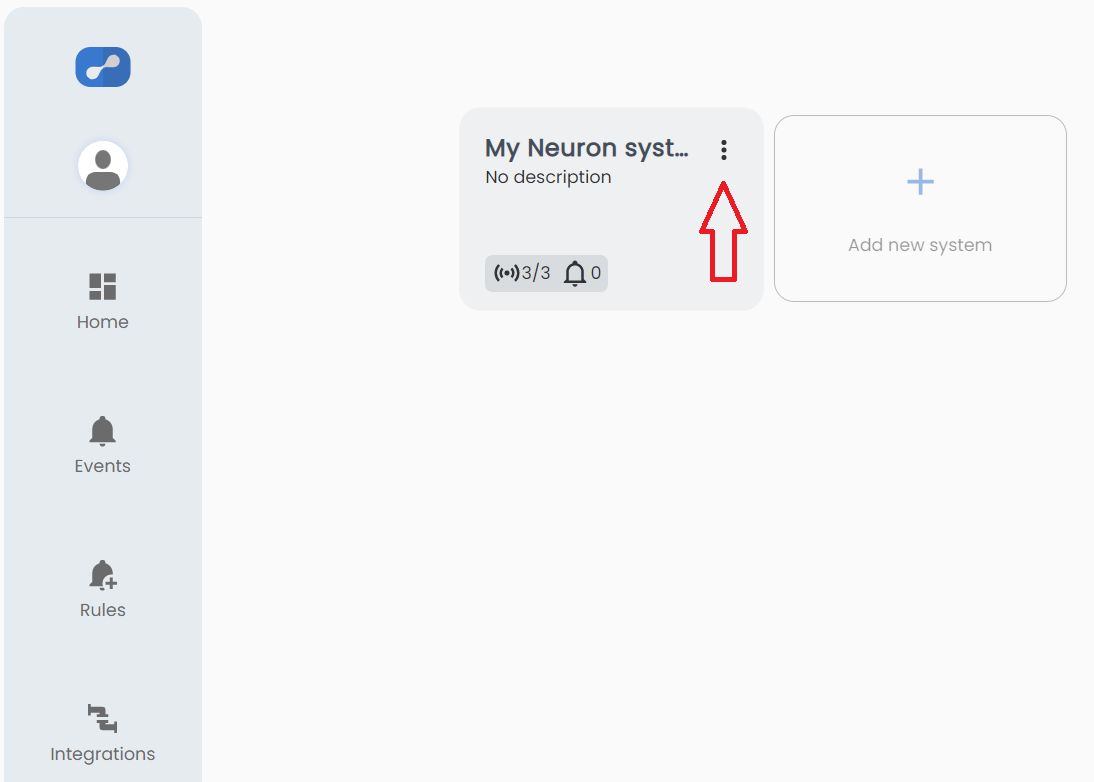
There are three ways to enter the "Manage system" menu.
- From the systems overview click the three buttons.
-
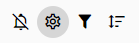
From the open system click the sprocket.
-
From the open system click the system name.
System info
System name: Edit the system name.
Description: Edit the system description.
Invoice address: Add or edit the invoice address.
If no invoice address is added within 30 days the system might stop working.
Add an image: Add a system image.
System users
Leave system: Click this if you want to leave the system.
You will need a new invite to join the system again.
Users: View, remove and edit who is admin.
Invite user: Invite a user to the system and choose whether the invited user should be admin or not.
Invited users: View and/or remove pending invites.
Tags for manual events: Add predefined event tag.
Delete system
When deleting a system the system will stay available for 7 days before devices are released. If any admin stops deletion before the system is removed, there will be a new 7 days period.